
Try it free
10 prepared memories
Get to know your personal feed and add your own words to the moments you keep.
No monthly fee or annual plan.

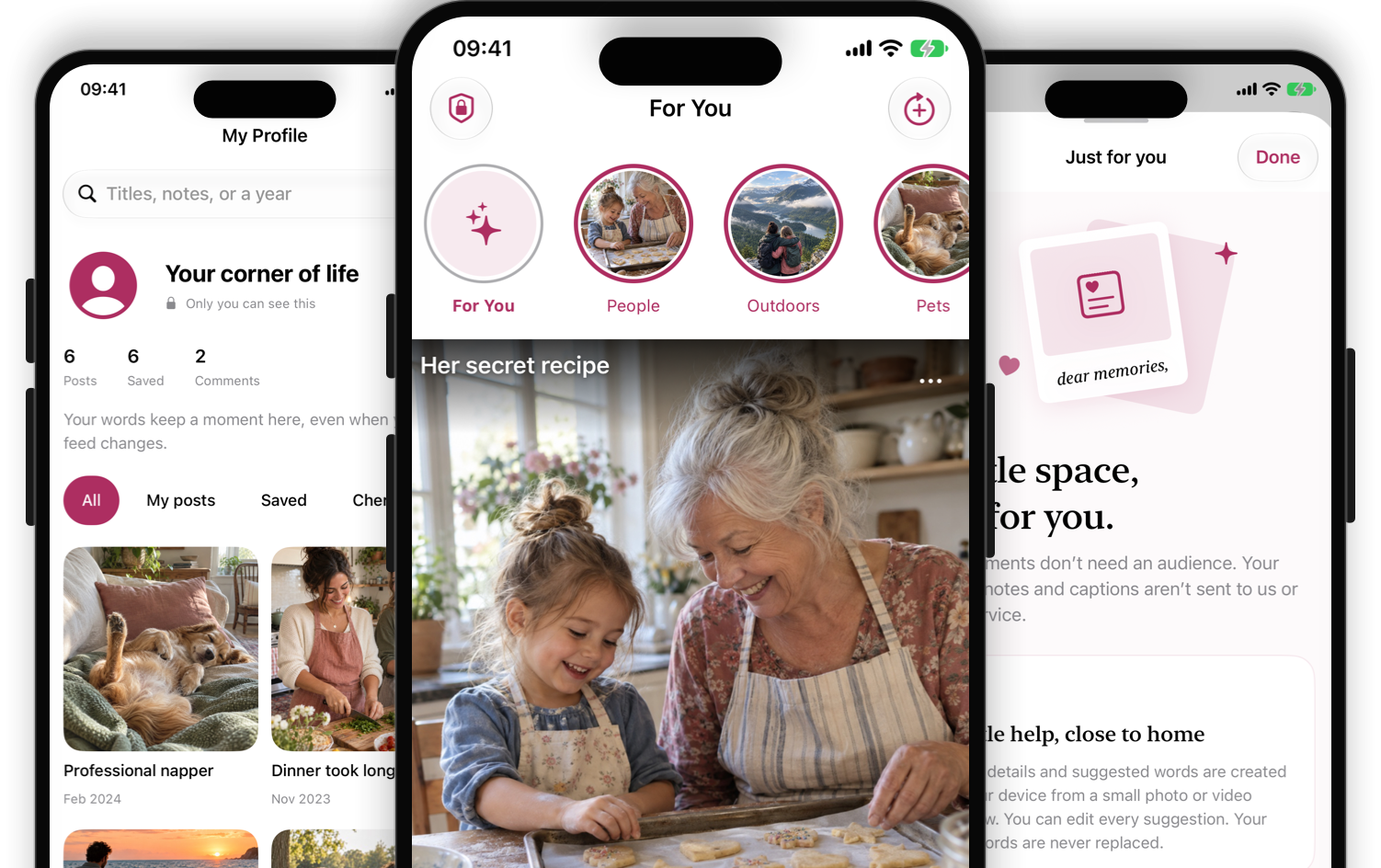
A private photo journal made from moments already yours. Rediscover photos and short videos, add your own words, and keep the memories that matter.
Coming soon to iPhone · No account · No subscription
One purchase. No subscription.
Try your first 10 prepared memories for free. Your existing kept memories, Explore view, and personal writing remain available without purchasing.
Try it free
Get to know your personal feed and add your own words to the moments you keep.
No monthly fee or annual plan.
Optional one-time purchase
Unlock unlimited prepared memories with a single, non-consumable in-app purchase handled by Apple.
Local pricing appears in the App Store. Lifetime covers the supported lifetime of the app.
Restoring a purchase restores an eligible entitlement, not your journal data. Notes, captions, saves, and collections do not sync and are excluded from device backup.
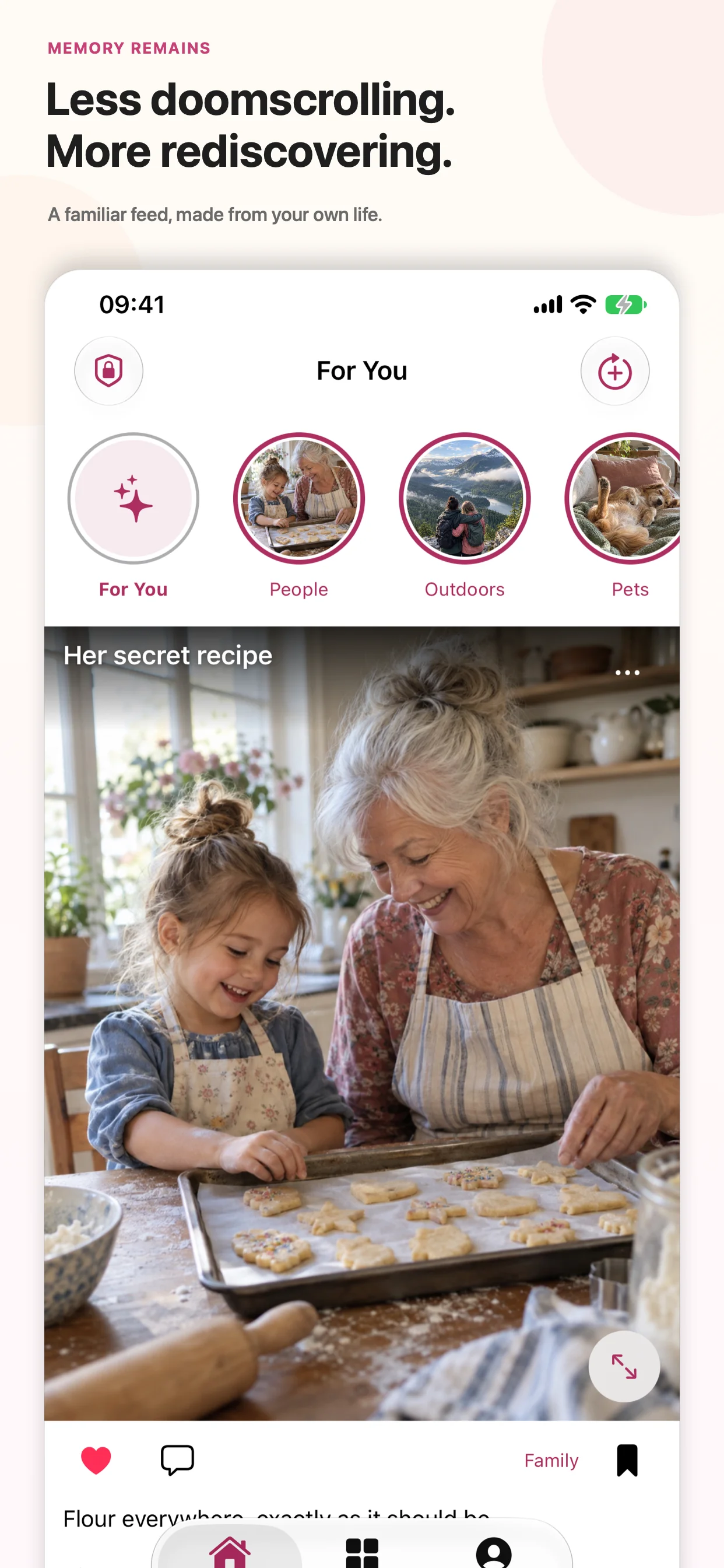
A familiar feed, made from your own life. Revisit photos and short videos, explore visual categories, and find everyday moments you may have forgotten.
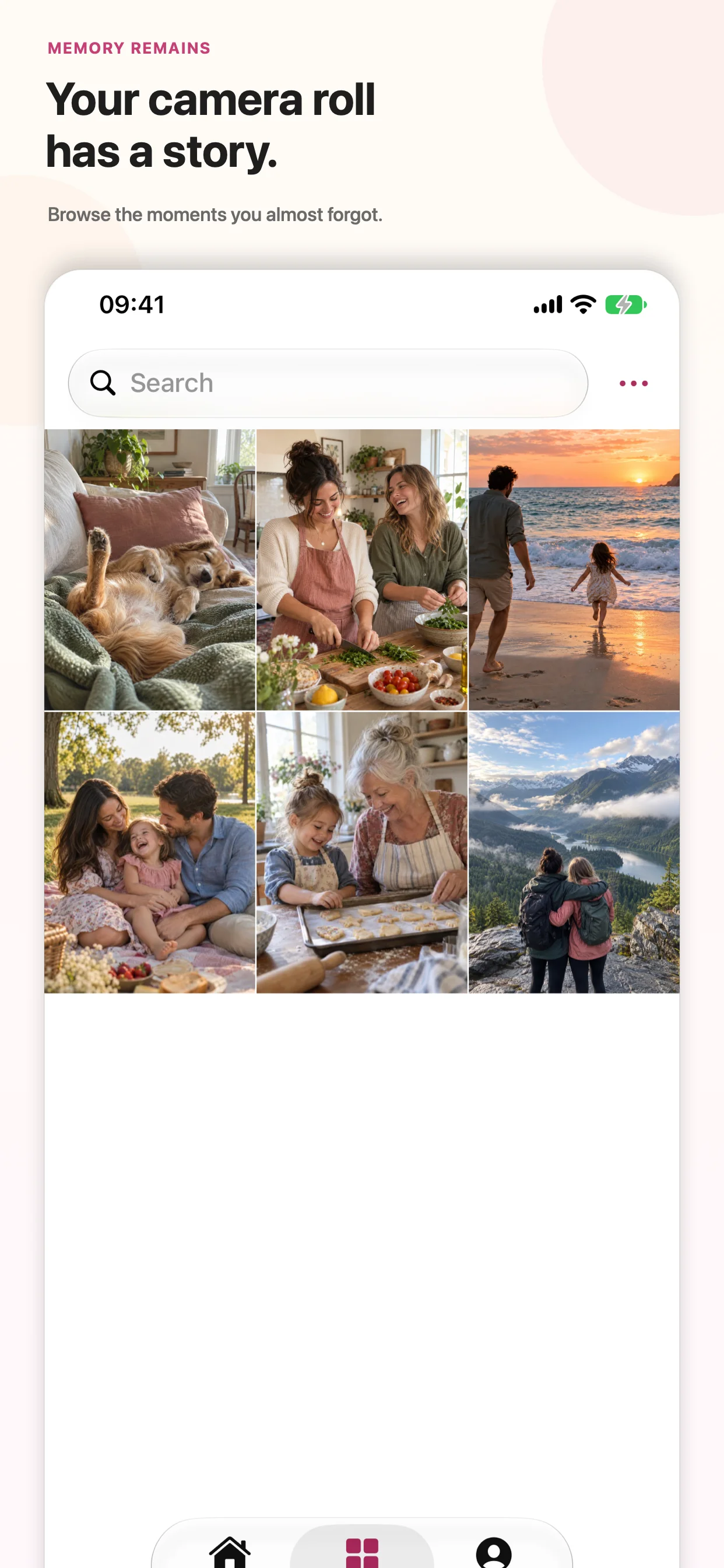
Browse the moments you almost forgot in Explore. Choose Selected Photos or broader library access, and browse the photos you make available without changing the originals in Apple Photos.
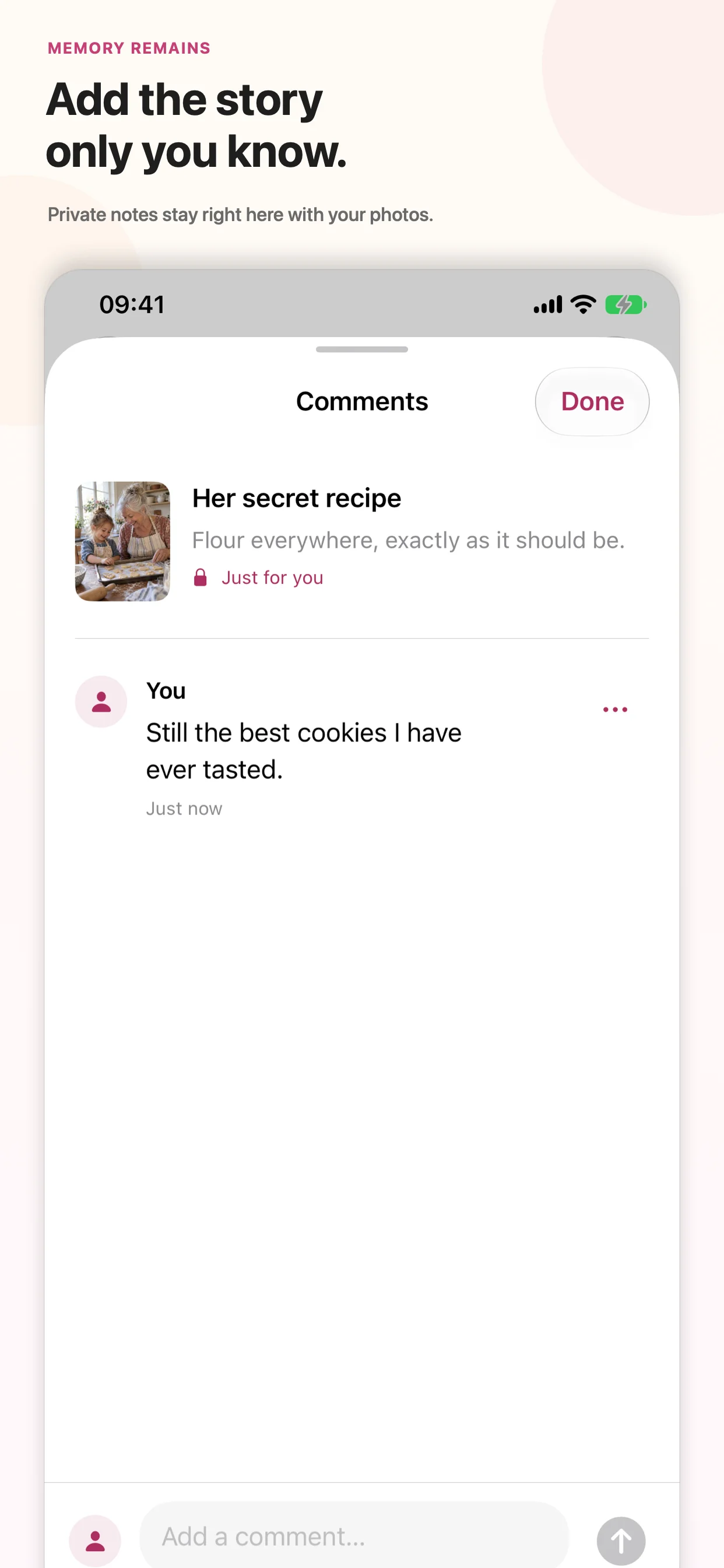
Write a private note, edit a suggested caption, or replace it with the real story. Supported on-device suggestions give you a starting point; your own words take priority.
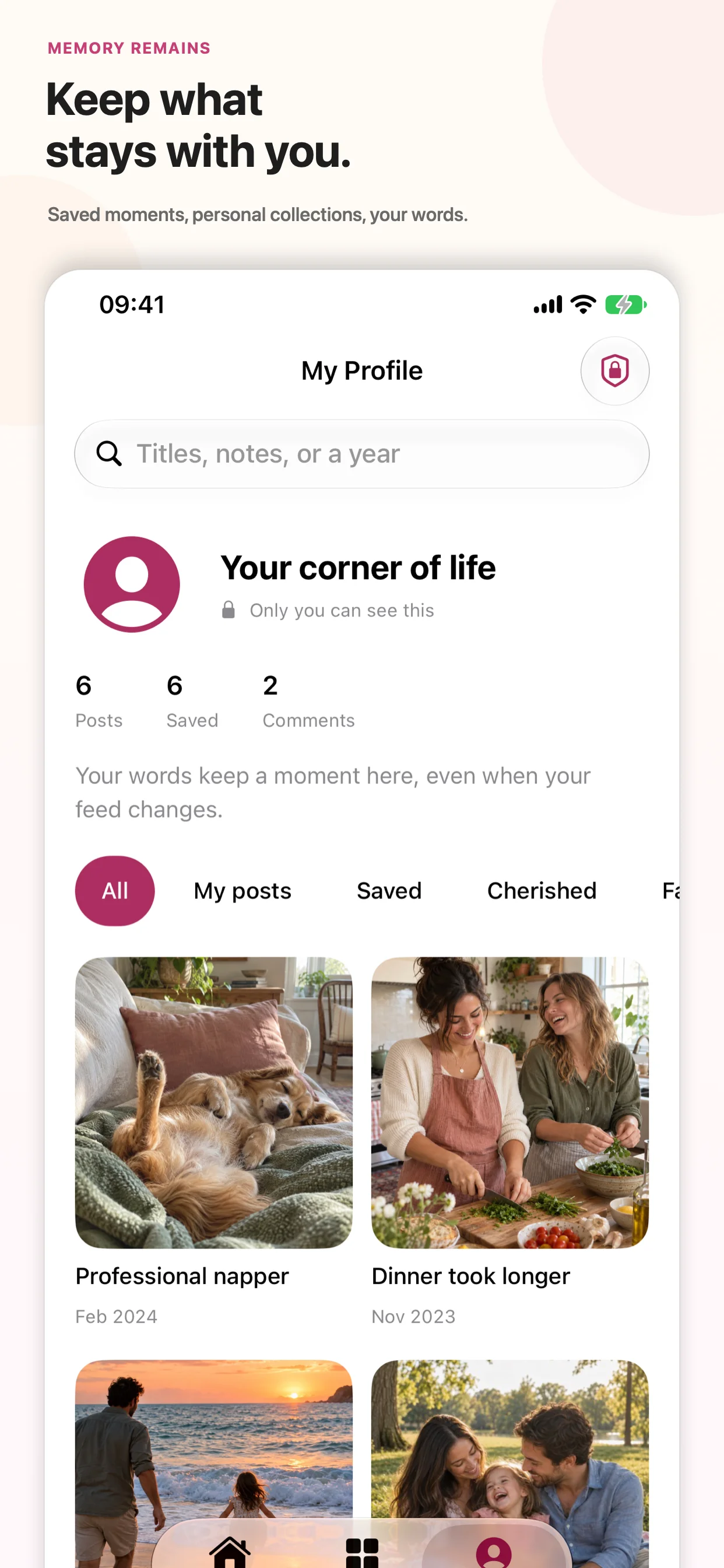
Return to saved and cherished memories in My Profile. Personal collections, captions, and notes help keep the moments that matter close at hand, with search for titles, notes, or a year.
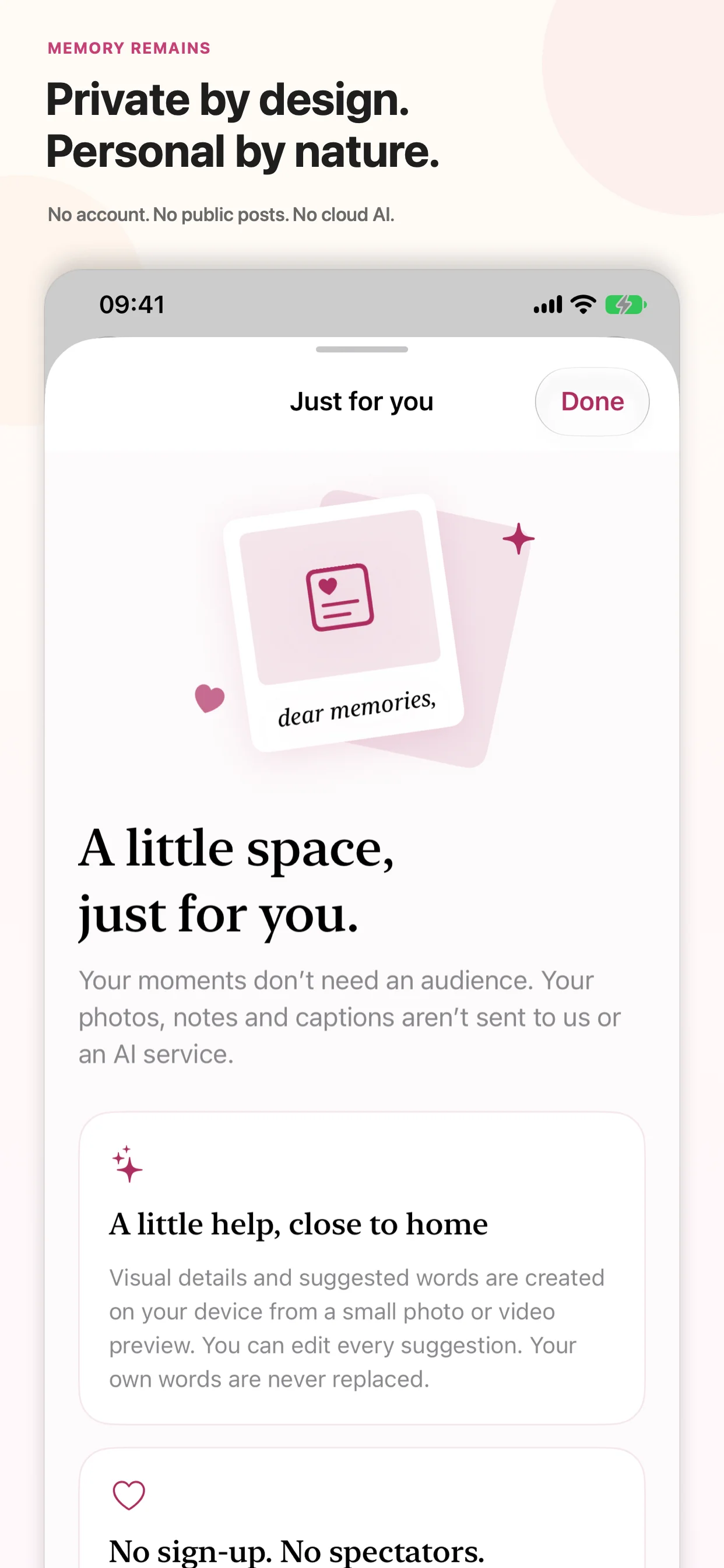
No account, public posts, advertising SDK, or cloud AI. Photo analysis and supported caption writing happen on your iPhone. Apple may download iCloud Photos items as you browse or play them, following your system settings.
Highlights
Questions
No. MemoryRemains does not send your photos to an app server or cloud AI service. Photo analysis and supported caption generation happen on your device.
No. MemoryRemains reads only the photos you allow. It does not edit or delete originals, change Apple Photos favorites, or alter your iCloud Photos settings.
Apple may download a photo or video from iCloud Photos when you browse or play it. Those downloads follow your device's Wi-Fi and cellular settings.
No. You can browse, save, and write your own captions without it. On-device caption features depend on compatible hardware, software, language, and Apple Intelligence availability. Suggestions may be inaccurate; you can edit or replace them.
No. The first 10 prepared memories are free. The optional Lifetime Unlock is a single, non-consumable in-app purchase handled by Apple, covering the supported lifetime of the app.
No. Captions, notes, saves, collections, and analysis stay inside the app on that device and are excluded from device backup. Deleting MemoryRemains removes that local journal data; your original photos remain in Apple Photos. Restoring a purchase does not restore the journal.
How MemoryRemains was built
The product pages show what shipped. These guides and case studies document the architecture patterns, privacy decisions, and SwiftUI implementation details behind apps like MemoryRemains.
A private space for your photos, your words, and the moments you want to keep.
View on the App StoreComing soon to iPhone · 10 prepared memories free · Optional one-time unlock