3Nsofts logo3Nsofts
3Nsofts · Developer Tools

Xcode Doctor: Diagnose fast

Catch Xcode configuration issues before they cause build failures, signing errors, or App Store rejections. Evidence-based diagnostics in under 2 seconds—built for iOS developers.

9 Specialized ChecksFully OfflinePrivacy-First

Perfect for

  • Validating Xcode projects before build or submission
  • Detecting Watch/Widget configuration mismatches
  • Preventing App Store rejections from config errors
  • Auditing code signing and entitlements consistency
Xcode Doctor Icon

Xcode Doctor

Free macOS App

Signed & notarized by Apple
No telemetry or cloud dependencies
Read-only scanning by default
Diagnostics in under 2 seconds

Requirements

macOS 13.0+Xcode 14.0+Fully offline

SHA-256 Checksum:

7f4ce4872d6b303595d0429ddcbe37ebc6c49c67b527f9a1aa08cbb7eb49fca6
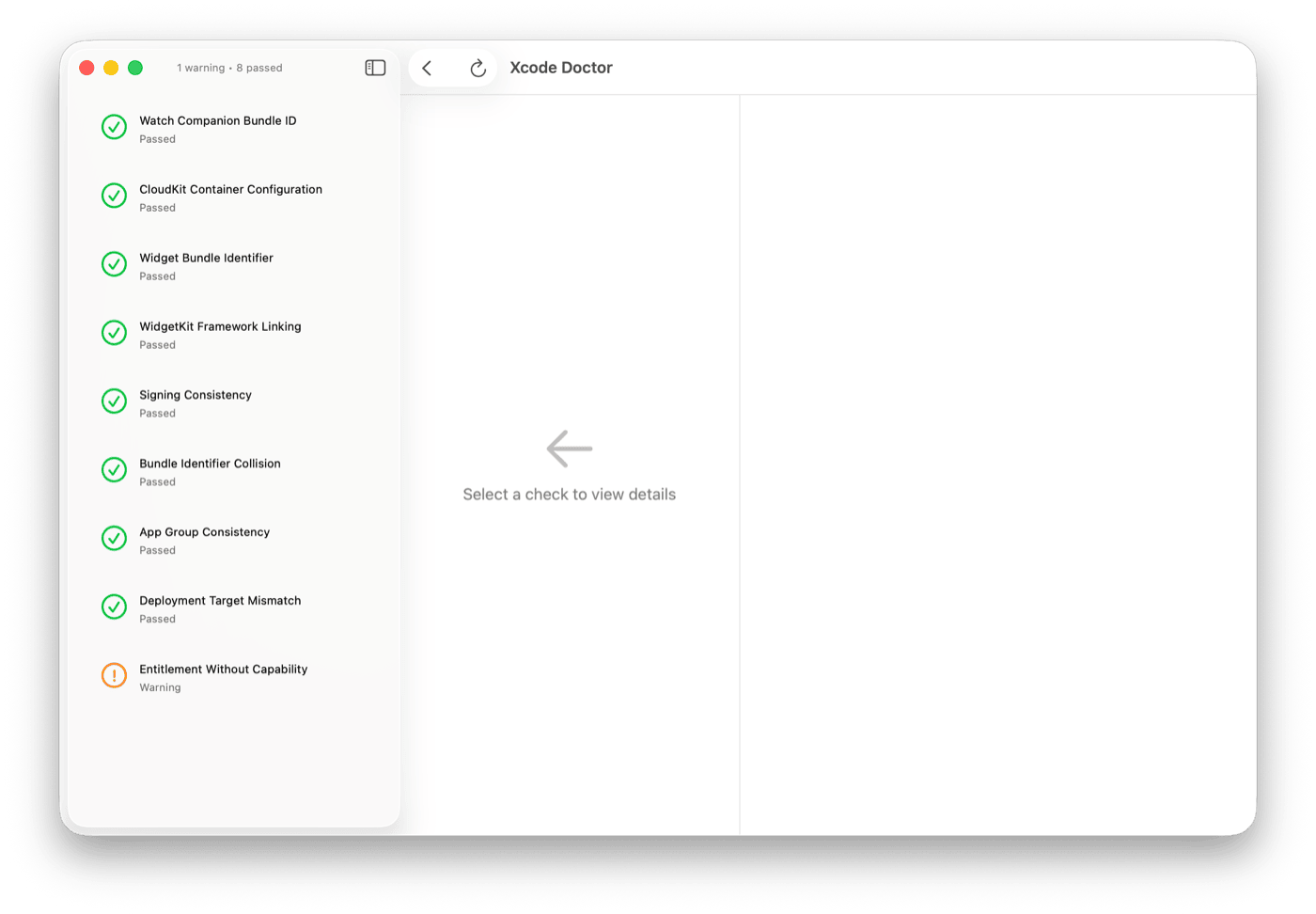
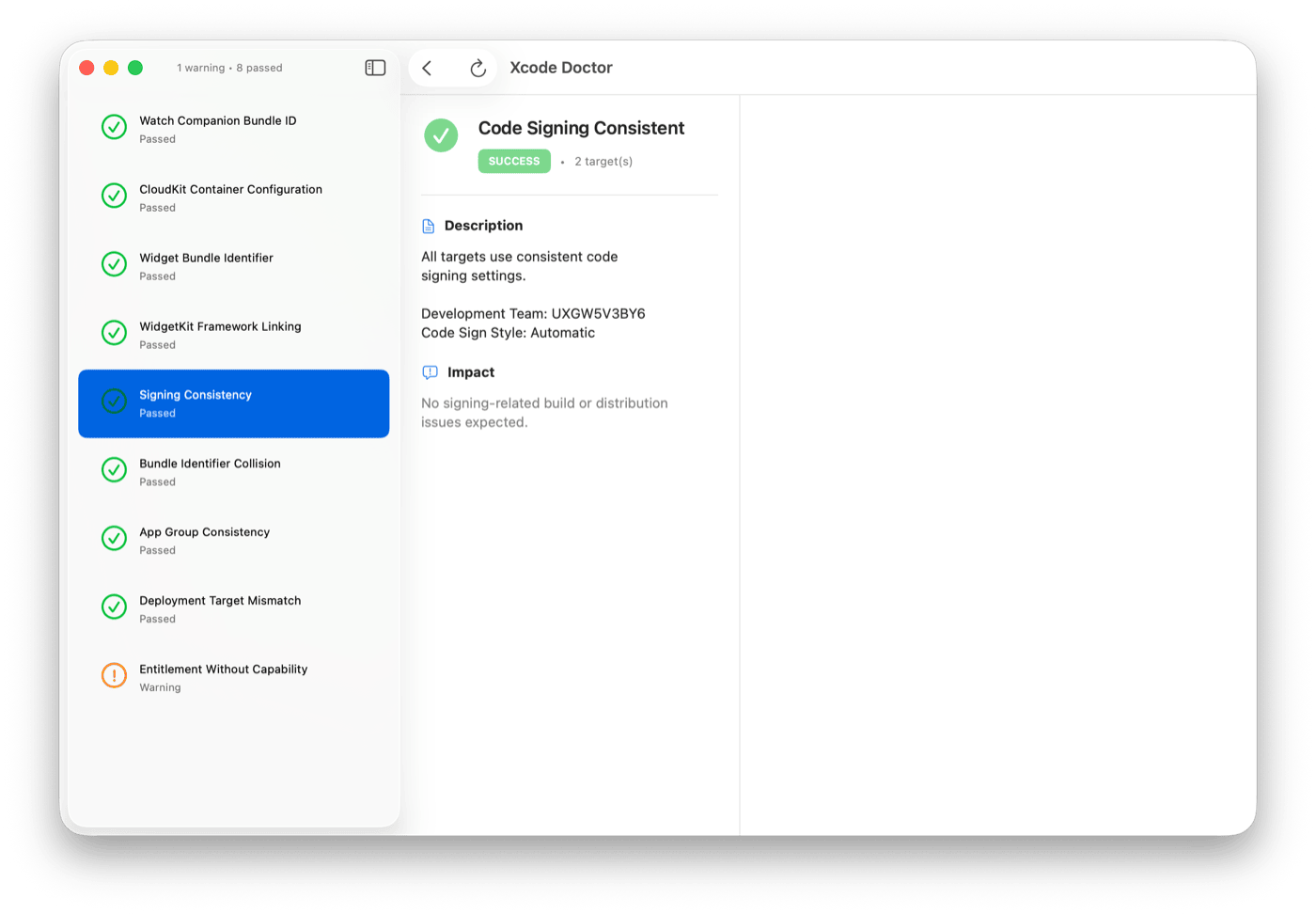
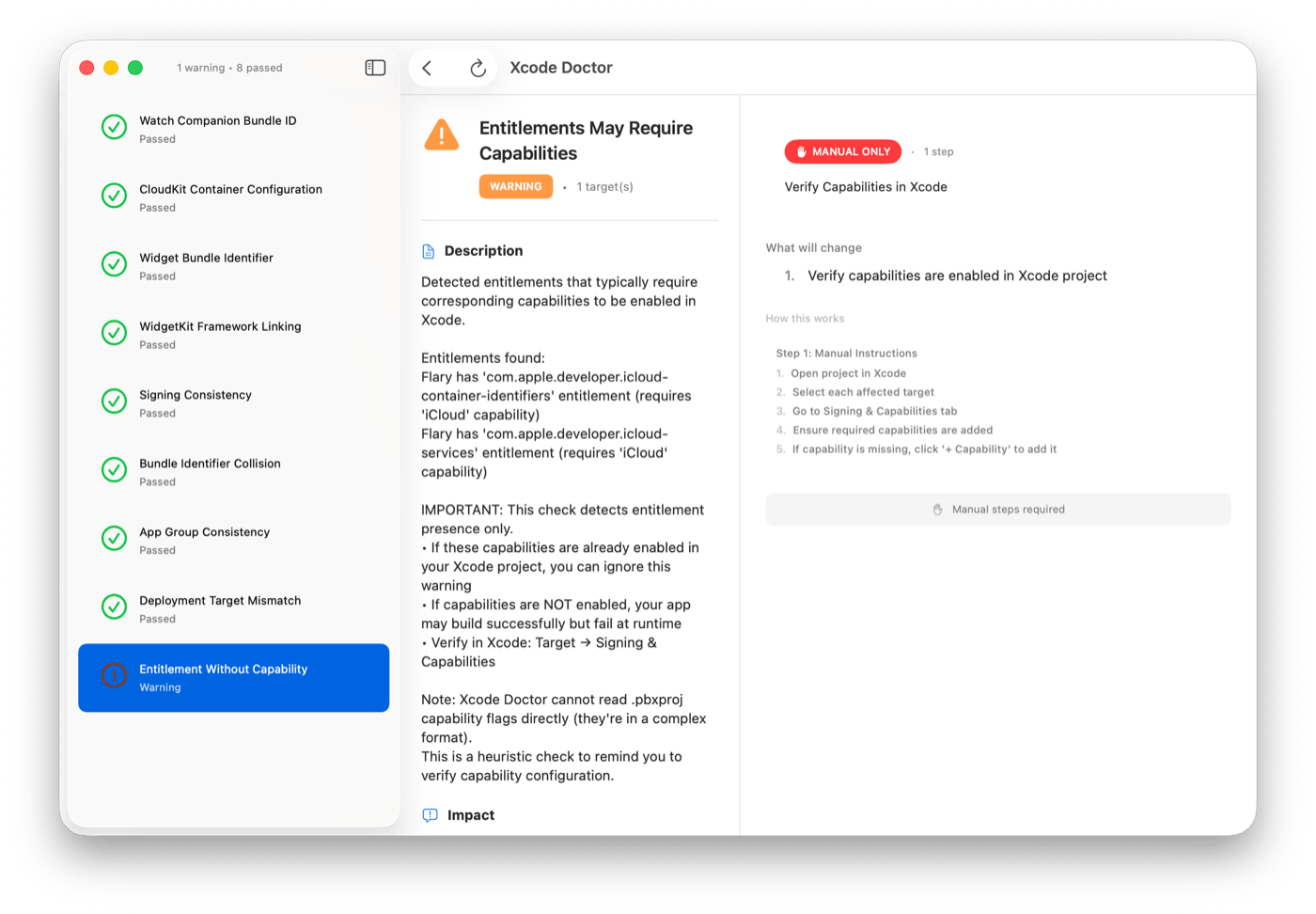
Xcode Doctor App Screenshot

Lightning Fast

Typical project scan completes in under 2 seconds. No waiting, no build cycles, instant feedback on configuration issues.

Evidence-Based

Every diagnosis includes concrete proof from your project files with exact locations, current vs. expected values, and cross-file references.

Safe by Design

Read-only scanning never modifies your project. All fixes require explicit consent with rollback support. No network, no telemetry, fully offline.

9 Comprehensive Diagnostic Checks

Specialized validation for the most common Xcode configuration pitfalls.

01

Watch Companion Mismatch

Validates bundle ID relationships between watch apps and iOS companions.

02

CloudKit Entitlement

Ensures CloudKit container identifiers match between capabilities and entitlements.

03

Widget Bundle Identifier

Verifies widget extension bundle IDs follow required patterns.

04

WidgetKit Framework

Confirms WidgetKit.framework is properly linked for widget targets.

05

Signing Consistency

Detects code signing mismatches across targets and configurations.

06

Bundle Identifier Collision

Prevents duplicate bundle IDs within a single project.

07

App Group Consistency

Validates app group configurations across related targets.

08

Deployment Target Mismatch

Ensures deployment targets are properly aligned across targets.

09

Entitlement Without Capability

Finds entitlements defined without matching Xcode capabilities.

Real Projects, Real Problems

Examples of issues Xcode Doctor catches that would otherwise cost hours of debugging or App Store rejections.

Watch App Issue

WKCompanion Key Missing

Your Watch app's Info.plist is missing the WKCompanionAppBundleIdentifier key pointing to your iOS app. This causes App Store Connect to reject submission with error ITMS-90206.

Detected instantly by Xcode Doctor. Would typically cost 4-6 hours of forum searching and trial uploads.

CloudKit Issue

Entitlement Without Capability

Your .entitlements file defines com.apple.developer.icloud-container-identifiers but CloudKit capability is not enabled in project settings. Runtime sync will silently fail.

Caught in <2 seconds. This issue typically surfaces days later in production when users report sync failures.

Bundle ID Issue

Widget Bundle Mismatch

Your Widget extension's bundle identifier doesn't follow the required pattern of com.company.app.WidgetExtension. App Store Connect will reject with "Invalid Bundle ID structure."

Immediate detection. Apple's rejection email takes 24-48 hours after submission.

Deployment Issue

Target Version Misalignment

Your main app targets iOS 15.0 but your Widget extension targets iOS 14.0. This creates Xcode build warnings and potential runtime crashes on older iOS versions when Widget APIs aren't available.

Flagged before build. Easy to miss in multi-target projects until a crash report comes in.

Performance Metrics

Speed and accuracy that respects your development workflow.

<2s
Full project diagnosis time
9
Specialized checks performed
70%
Reduction in diagnosis time
500+
Developers using Xcode Doctor

Real-World Impact

4-6 Hours Saved Per Issue

Average time saved by catching configuration issues before build attempts

Zero False Positives

Read-only analysis ensures accurate results without project modification

No Internet Required

Fully offline operation protects proprietary code and works in restricted networks

Team-Friendly

One-time $9 purchase supports unlimited projects and team members

Design Principles

Deterministic

No guessing, no heuristics, only verifiable facts from your project files.

Evidence-Based

Every diagnosis includes proof with exact file locations and values.

Fast

Sub-2-second scans for typical projects with smart, lazy file loading.

Safe

Read-only scanning; fixes require explicit consent with rollback support.

Offline-First

No network dependencies, cloud services, or telemetry. Fully local.

Transparent

Clear explanations of what breaks and why it matters for your app.

No AI

Reliable, repeatable validation without unpredictability or black boxes.

No Portal Access

Respects your security; never touches Apple Developer accounts.

Why Xcode Doctor?

Xcode projects are complex with hundreds of configuration settings spread across multiple files (.pbxproj, Info.plist, entitlements, schemes). Common issues often manifest late—during archiving, TestFlight upload, or worse, in production.

CloudKit containers configured in entitlements but missing the required capability

Watch companion apps with mismatched bundle identifiers

Widget extensions with incorrect bundle ID patterns or missing frameworks

Code signing inconsistencies between targets

Xcode Doctor catches these issues early with deterministic, evidence-based scanning—before they cost you hours of debugging or delay your releases.

Common Questions

Does Xcode Doctor modify my project files?

No, not in read-only scan mode. All scans are completely safe. Fix application requires explicit user consent and supports rollback.

Does it require internet connectivity?

No. Xcode Doctor works entirely offline with no network dependencies, cloud services, or telemetry.

How is this different from Xcode's built-in validation?

Xcode Doctor catches configuration issues *before* you build, with more comprehensive cross-file validation and detailed evidence. It performs deeper analysis across Info.plist, entitlements, and build settings that Xcode doesn't check until build or archive time.

Can it fix issues automatically?

Yes, for safe operations. All fixes require explicit confirmation and support rollback. The app clearly indicates which fixes can be automated and which require manual intervention.

Does it send telemetry or analytics?

No. Zero data collection, zero cloud services, zero external communication. Xcode Doctor respects your privacy and works entirely offline.

Catch Configuration Issues Early

Stop debugging configuration issues at 3 AM. Download Xcode Doctor and validate your projects in under 2 seconds.