
Three items, no time limit
Free
Keep up to three saved items and their records.
Archived items count toward the allowance. Completing an item's deletion frees a slot.

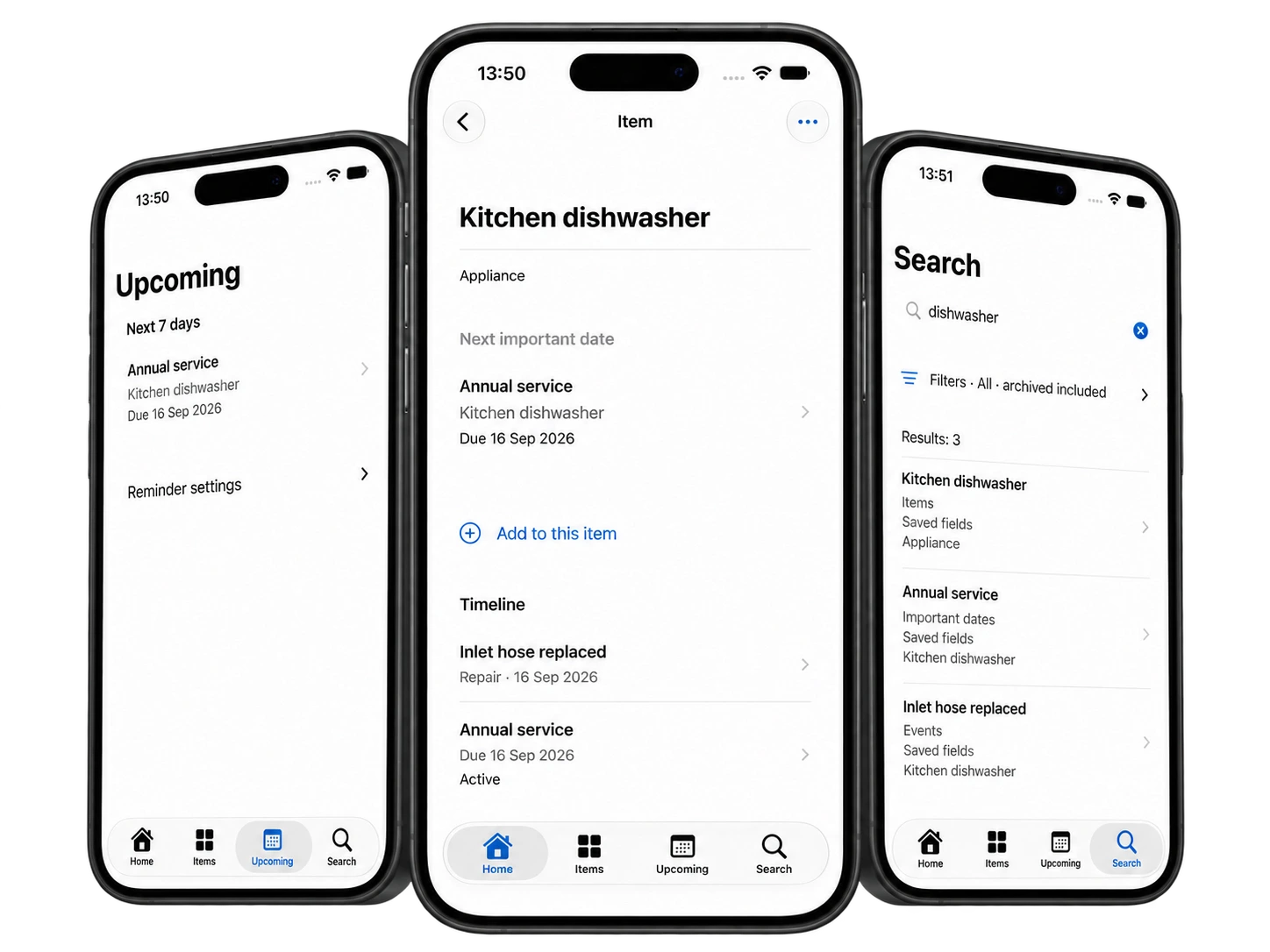
Keep receipts, warranty dates, manuals, repairs, and maintenance notes connected to the things you own.
Add a scan, photo, or file. Review useful details before saving them, and keep the original document close at hand.
iPhone and iPad · iOS / iPadOS 26 or later · Three items free
Start free
Save up to three items with all features included. Documents, events, reminders, and edits attached to an existing item do not use extra slots.
Three items, no time limit
Keep up to three saved items and their records.
Archived items count toward the allowance. Completing an item's deletion frees a slot.
Optional upgrade
Unlock unlimited saved items with a monthly or yearly subscription.
Both plans include the same features. Local App Store pricing is shown before purchase; the yearly plan is billed upfront.
If Plus ends, existing records remain readable and editable. If more than three items remain, reactivate Plus or finish deleting items before saving another item.
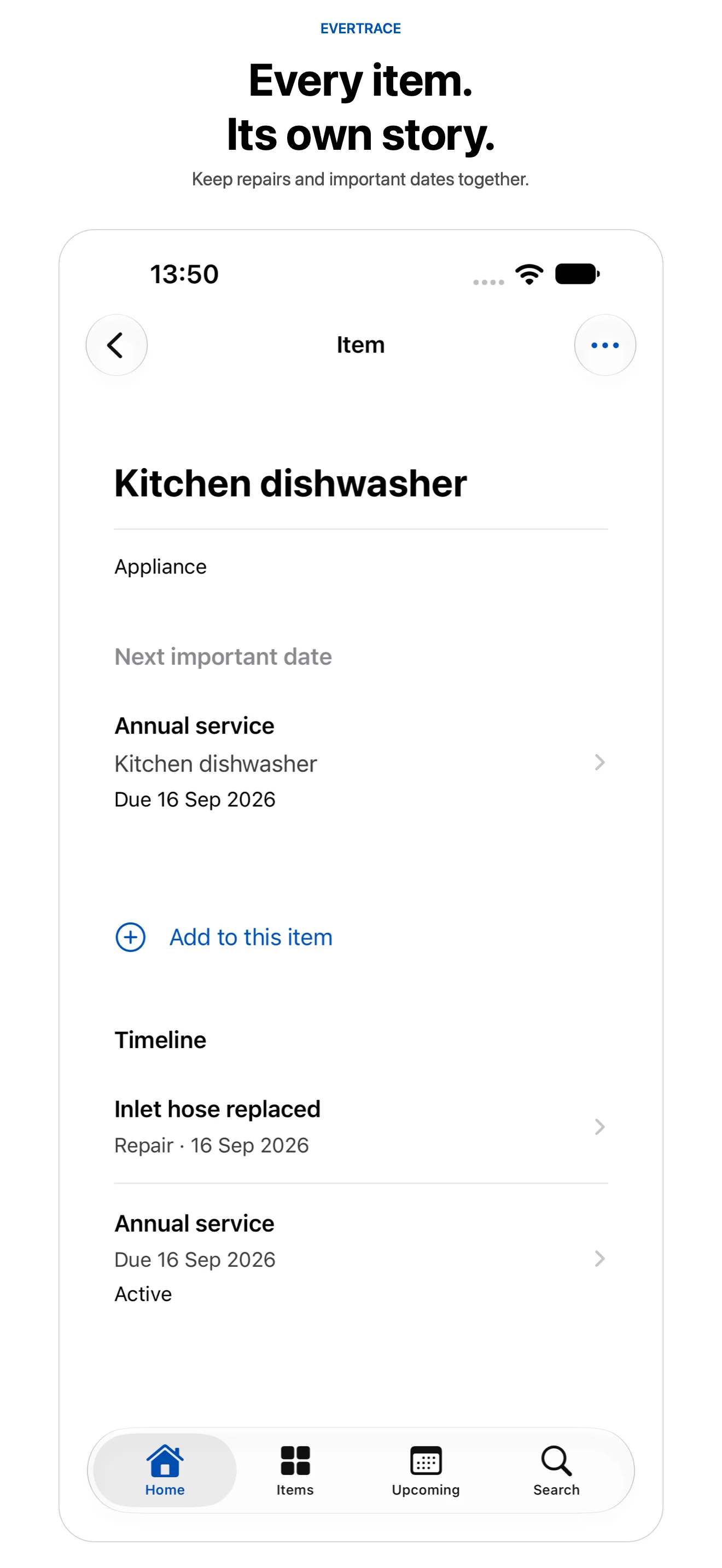
Connect purchases, repairs, maintenance, important dates, and supporting documents to the right item. A timeline gives you a place to return when you need its history.
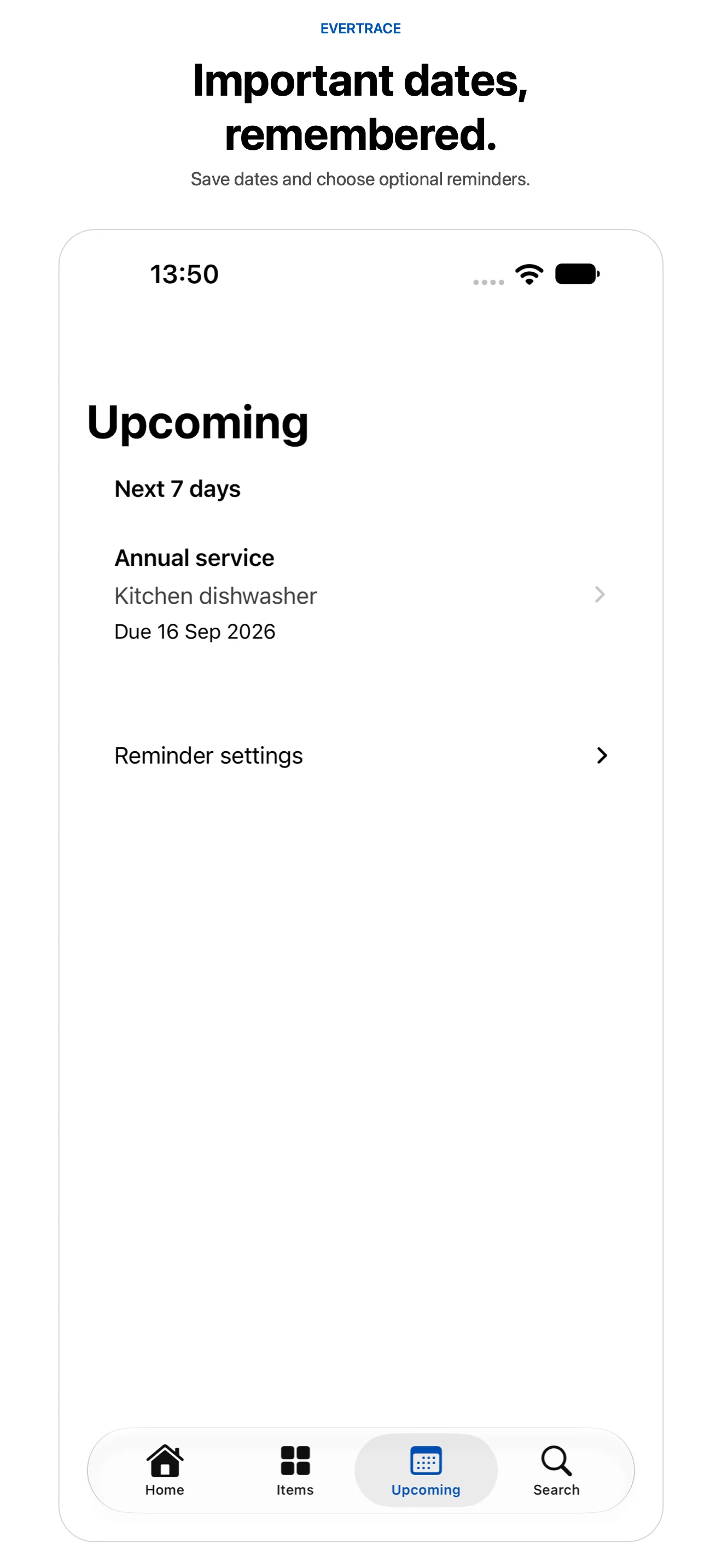
Save warranty, return, service, renewal, and expiry dates. See what is coming up and choose optional local reminders. Check important deadlines against the original document; notification delivery is not guaranteed.
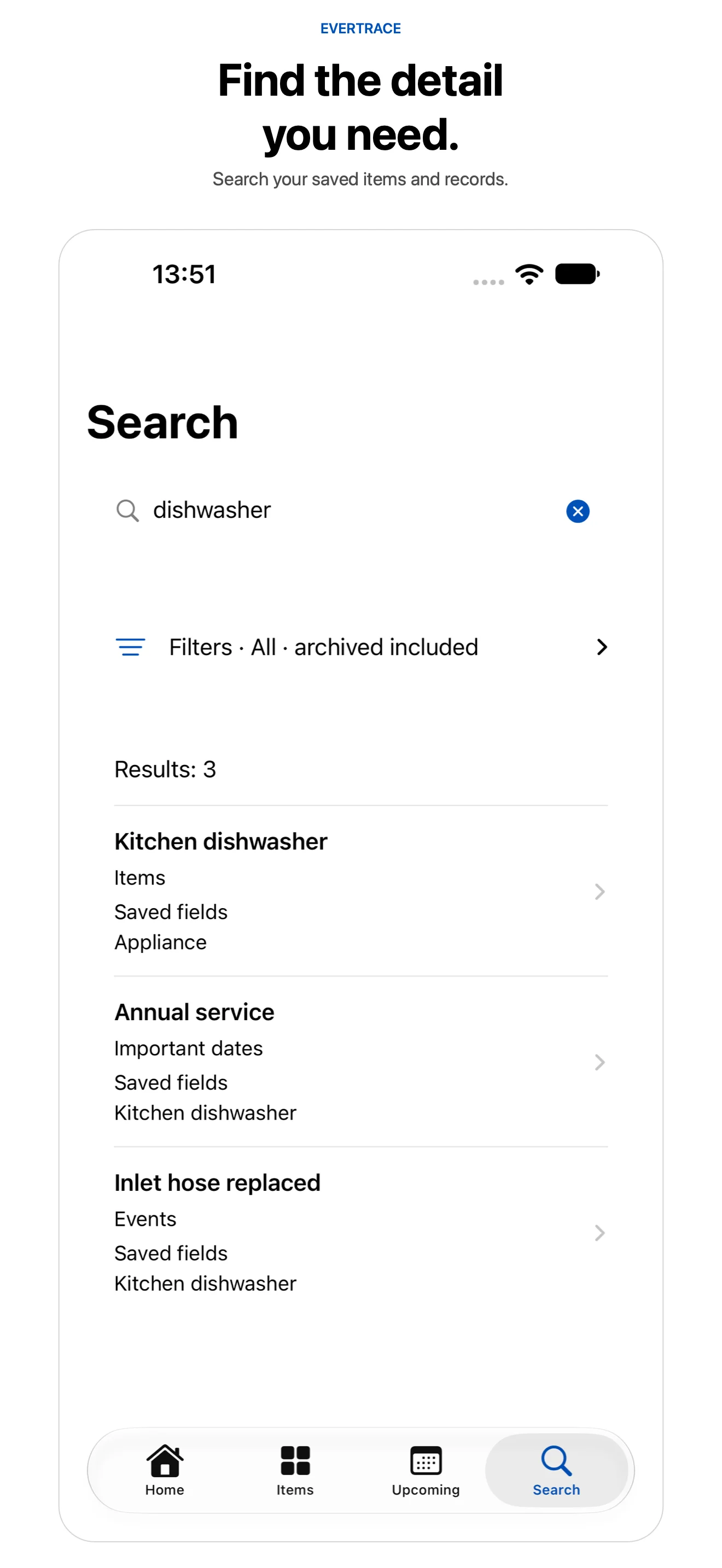
Search item names, saved details, and recognized document text. Find a matching item, important date, or event, then open the record to see the details in context.
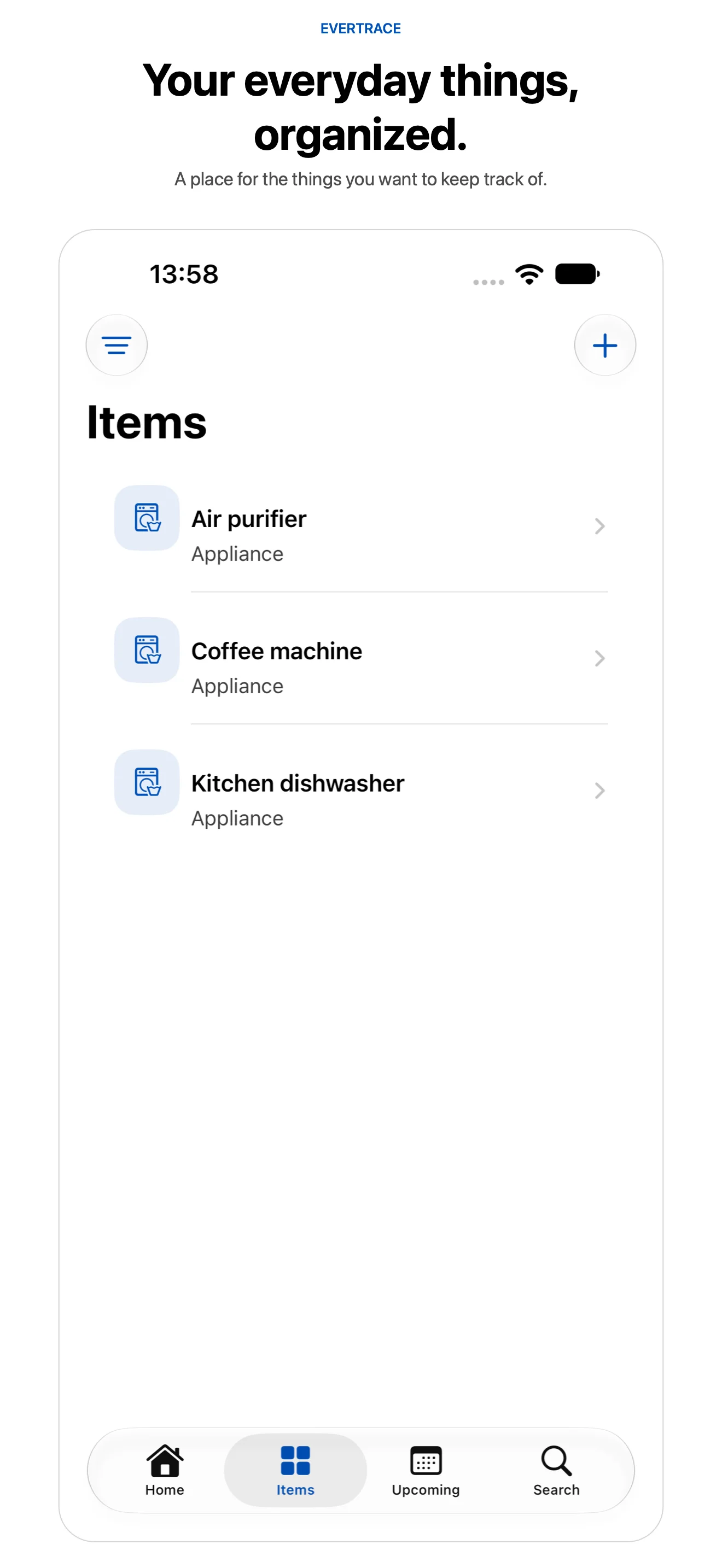
Give the things you want to keep track of a place in your item library. Open an appliance or another saved item to find its documents, history, and important dates together.
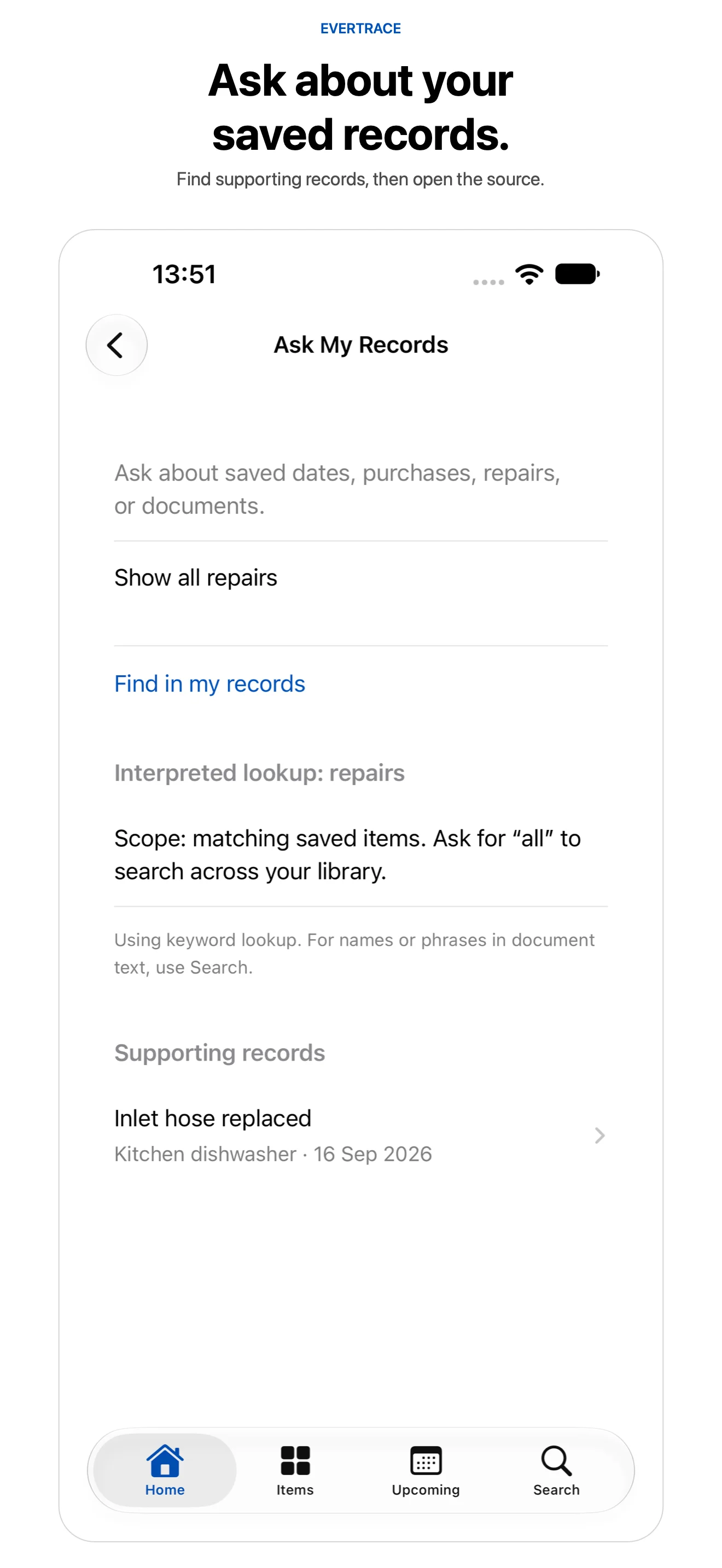
Ask My Records helps look up supported purchases, repairs, documents, and upcoming dates, with links back to supporting records. It uses on-device assistance when available, with local keyword lookup as a fallback.
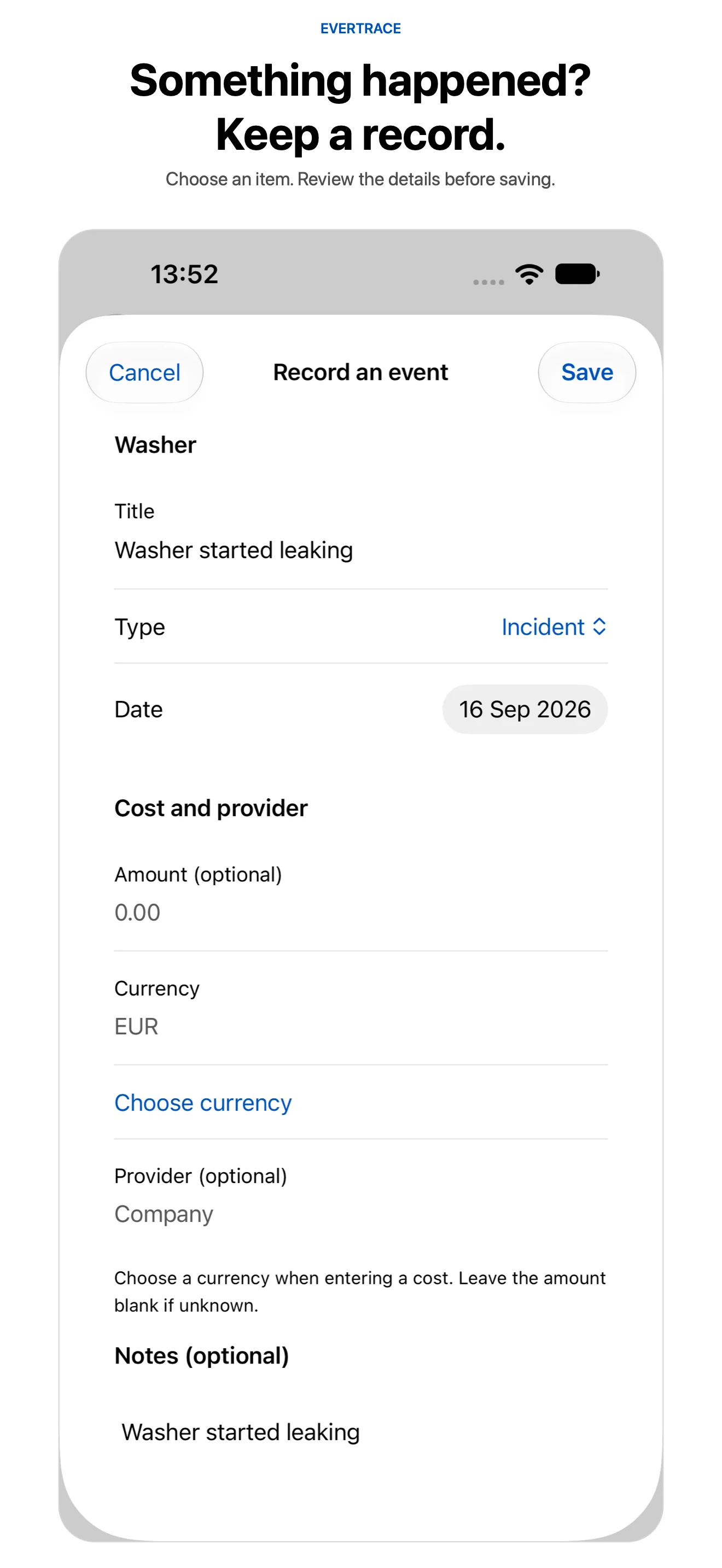
Capture an incident or observation, choose the related item, and review the details before saving. Keep repair costs, provider details, and notes with the history they explain.
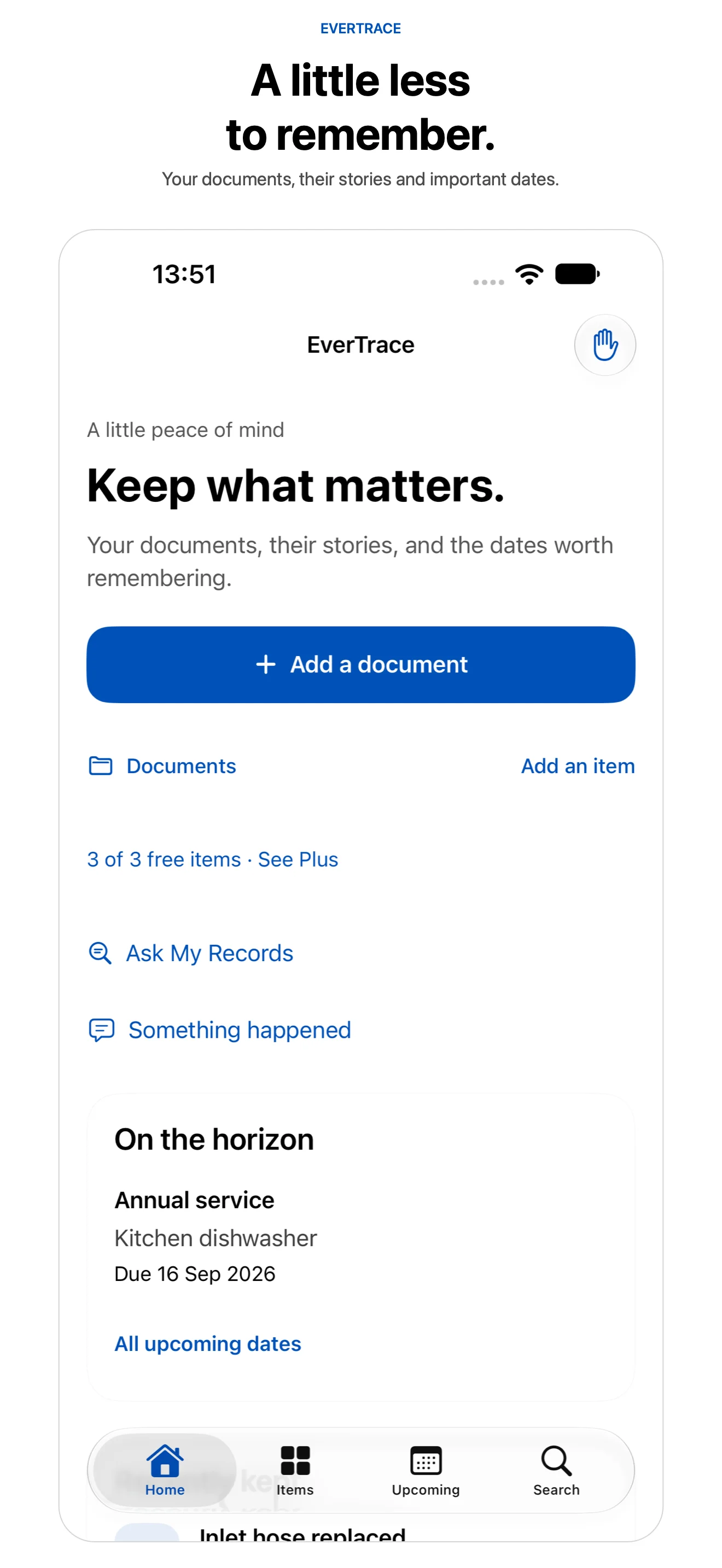
Start from one home for your documents, items, and upcoming dates. Add a document, look up a saved record, or capture something that happened without losing the connection to the things you own.
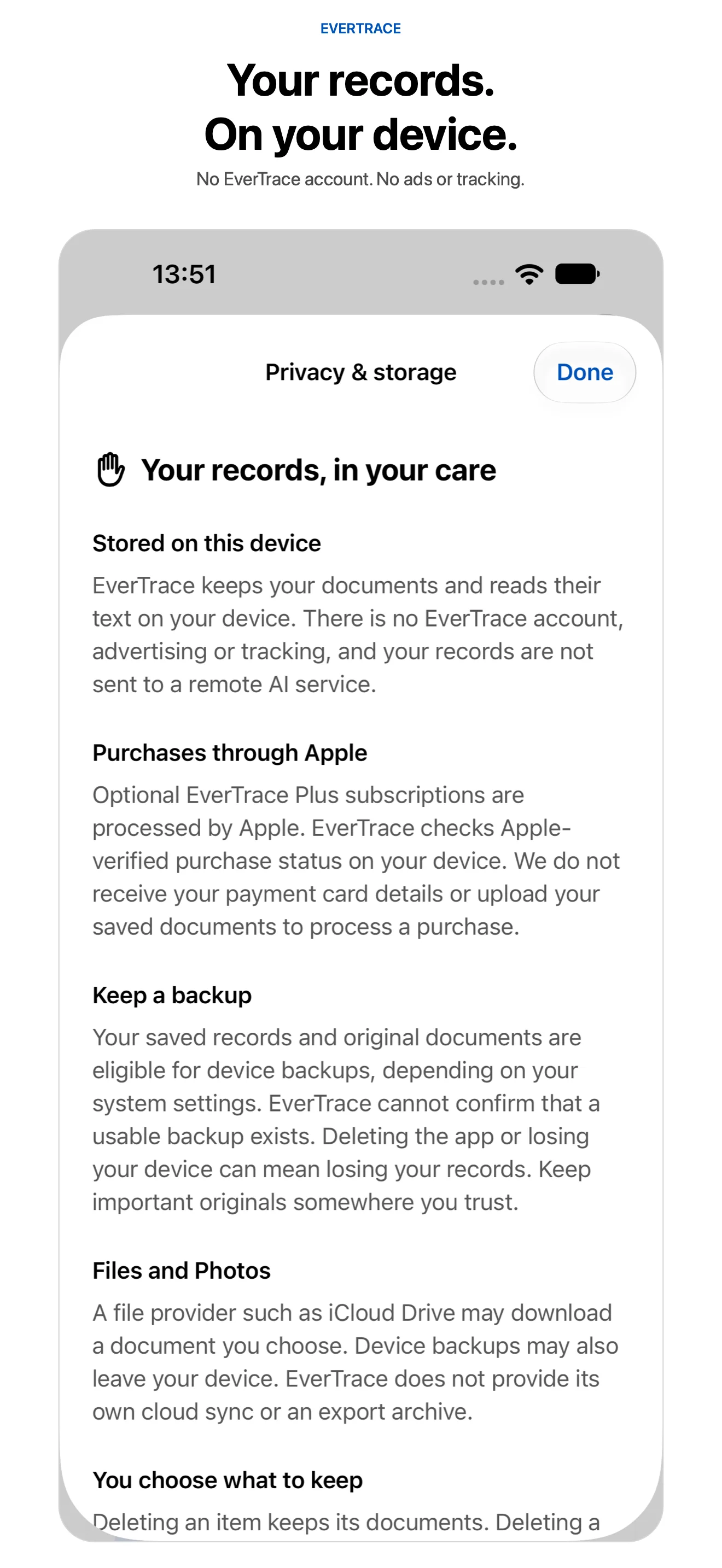
EverTrace has no account, advertising, tracking, or remote AI service. Records and document processing stay in the app on your device. Cloud file providers and device backups follow their own settings.
Highlights
Questions
Connect items to receipts, warranty dates, manuals, repairs, maintenance notes, incidents, and supporting documents. Add scans, photos, or files, then review recognized details before saving.
Up to three saved items with all features available for those items. Archived items count toward the allowance; completing deletion frees a slot. Documents, events, reminders, and edits attached to an existing item do not use extra slots.
Your existing records remain readable and editable. If more than three items remain, you need to reactivate Plus or complete deletion of items before saving another item.
No. Document recognition and supported assistance run on your device. Ask My Records may use Apple's on-device language model when available and uses local keyword lookup if that assistance is unavailable or cannot interpret a request.
EverTrace does not provide its own cloud sync or export archive. Records may be included in device backups according to your Apple settings, but EverTrace cannot verify that a usable backup exists. Keep important originals somewhere you trust.
Recognition and suggestions can be incomplete or incorrect. Check dates, terms, and details against the original document. EverTrace does not determine warranty, insurance, legal, or contractual eligibility, and reminder delivery is not guaranteed.
How EverTrace was built
The product pages show what shipped. These guides and case studies document the architecture patterns, privacy decisions, and SwiftUI implementation details behind apps like EverTrace.
Give your everyday things a home for their documents, stories, and important dates. Start with three items, free.
View on the App StoreiOS / iPadOS 26+ · Optional EverTrace Plus subscription