
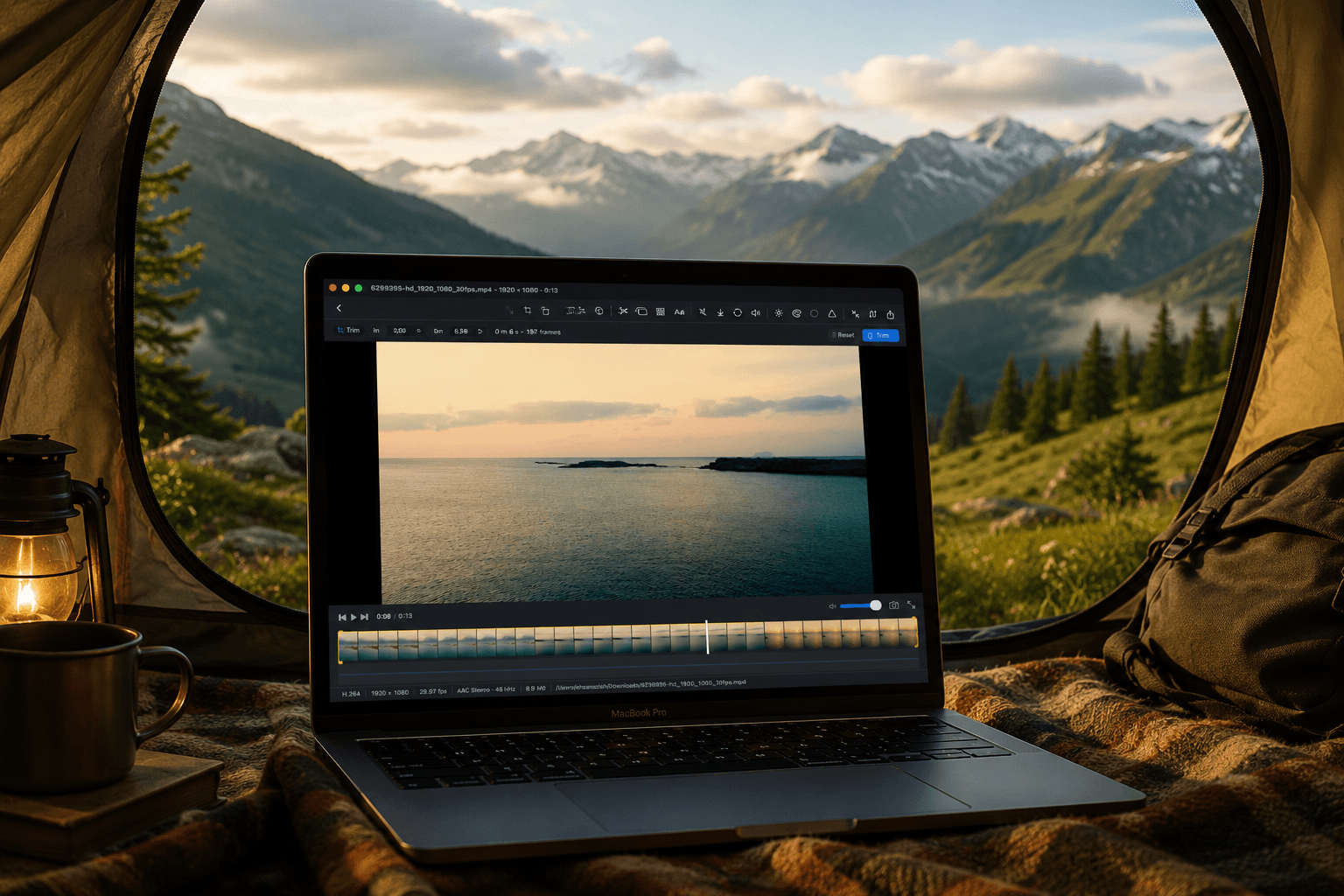
macOS 14+ · SWIFTUI · AVFOUNDATION · HARDWARE ACCELERATED · FREE · NEW
The free video toolkit
macOS never had
Resize, compress, trim, merge, convert, adjust color, replace audio — all in one native app. No FFmpeg. No subscriptions. No watermarks. Just tools that work.
Requires macOS 14 Sonoma or later · Optimized for Apple Silicon
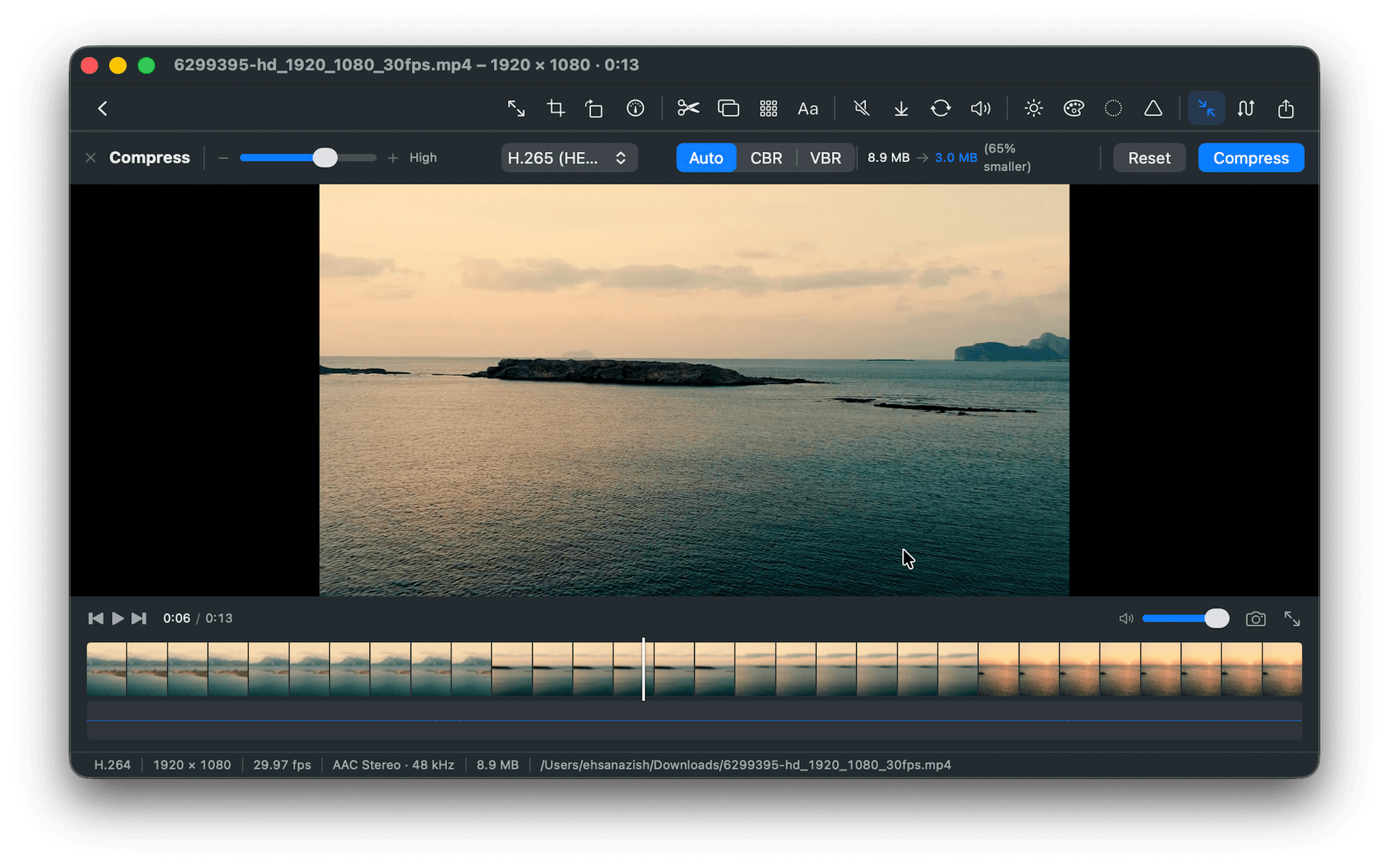
Transform: Resize, Crop, Rotate, Speed
Scale to any resolution with hardware-accelerated presets. Crop with draggable handles and live preview. Rotate or flip instantly — no re-encoding until export. Slow motion (0.25×) to timelapse (4×) with automatic audio pitch adjustment.
- →Resize — 4K, 1080p, 720p, 480p, or custom resolution
- →Crop — 16:9, 4:3, 1:1, 9:16 presets with live overlay
- →Rotate & Flip — 90°/180°/270° with instant preview
- →Speed — 0.25× slow motion to 4× timelapse, pitch-corrected
Edit: Trim, Merge, Frame Rate
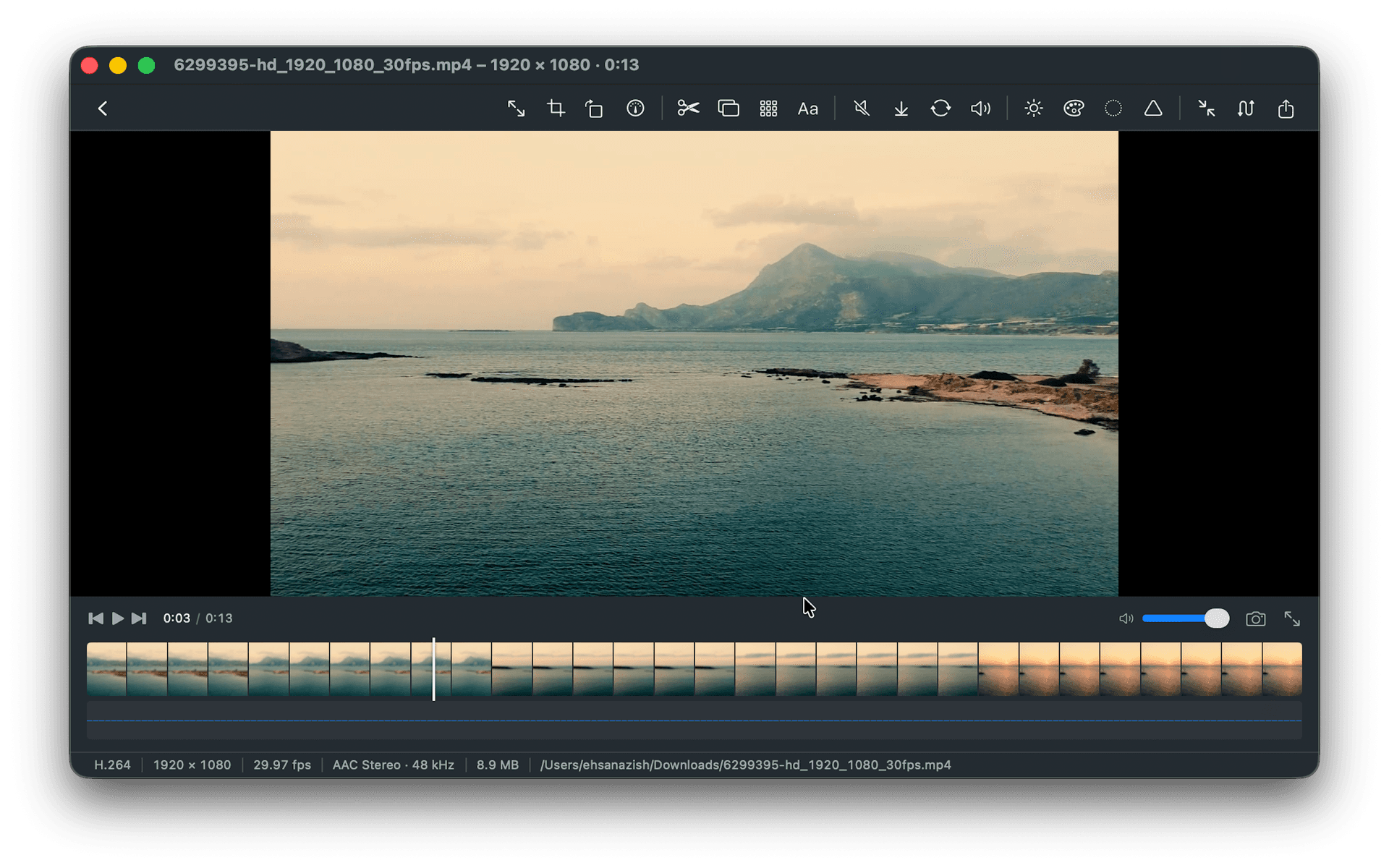
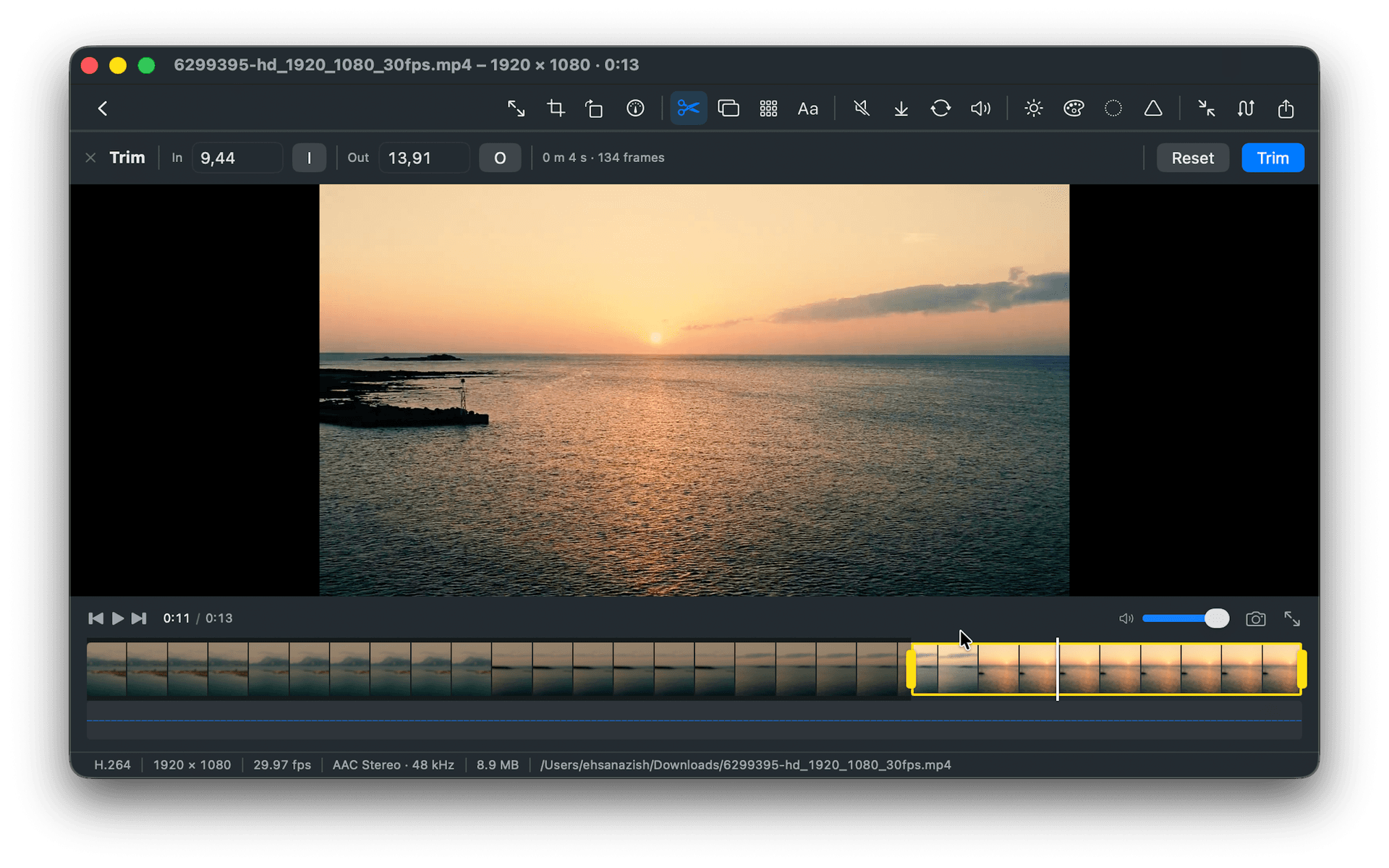
QuickTime-style yellow trim handles on the timeline with frame-accurate SMPTE timecode. Concatenate multiple clips, drag to reorder, mix resolutions and codecs. Change playback frame rate for cinema-standard output.
- →Trim — yellow handles, frame-accurate, SMPTE timecode display
- →Merge — concatenate clips, drag to reorder, mixed codecs supported
- →Frame Rate — 24, 25, 30, 60 fps for cinema or smooth slow motion
Audio: Remove, Extract, Replace, Volume
Strip audio tracks in seconds using passthrough — no video re-encoding. Export audio as M4A or WAV. Swap original audio with any file and drag it to any timeline position. Fade in and out with volume control.
- →Remove Audio — passthrough, finishes in seconds, no video re-encode
- →Extract Audio — export as standalone M4A or WAV
- →Replace Audio — drag replacement to any timeline position
- →Volume — adjust level with fade in/out support
Export: Compress, Convert, Capture Frame
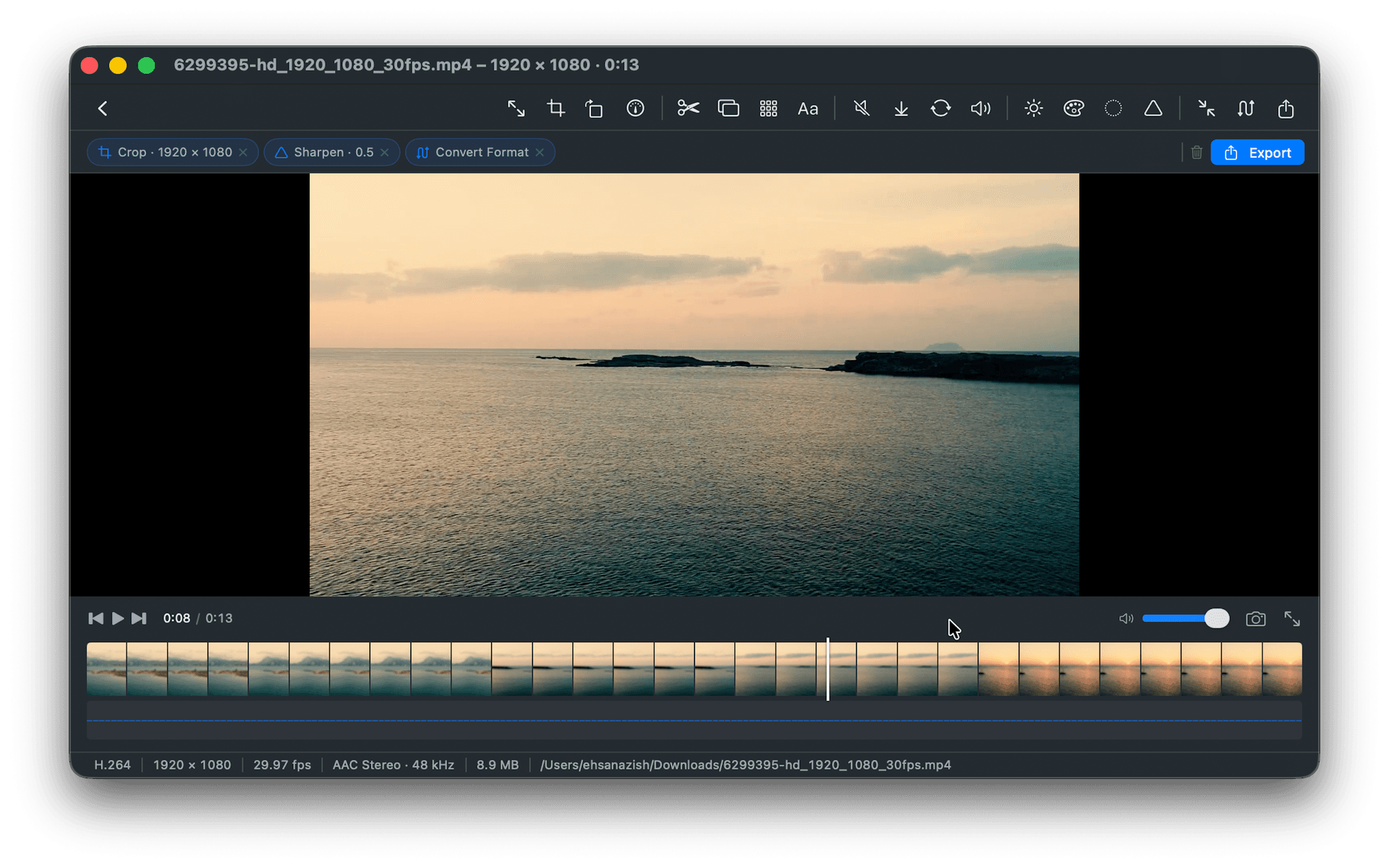
Quality slider with live file size estimation before you export. H.264 or H.265 encoding with automatic hardware acceleration. Switch between MP4, MOV, and M4V containers. Grab any frame as PNG or JPEG.
- →Compress — see '110.6 MB → 37.7 MB (65% smaller)' before exporting
- →Convert — MP4, MOV, M4V with H.264/H.265 and AAC/ALAC/PCM
- →Capture Frame — pause, step to exact frame, export as PNG or JPEG
- →Single-pass export — all stacked operations compose into one encode
Questions
Frequently asked questions
Is MovieArmyKnife really free?
Yes — completely free, forever. No in-app purchases, no subscription, no watermarks. It exists because the developer needed it and could not find a good native alternative. It is 3N Softs' contribution to the Mac ecosystem.
Does it use FFmpeg?
No. MovieArmyKnife is built entirely on Apple's native media stack — AVFoundation, VideoToolbox, and CoreImage. This means hardware acceleration on Apple Silicon, real-time preview, and App Store sandbox compliance. No GPL dependencies.
Can I stack multiple operations?
Yes. Operations are non-destructive until export. Stack Resize + Blur + Trim + Compress, preview the combined result live, toggle any operation off, drag to reorder. The entire stack composes into a single export pass — no generation loss.
How fast is export?
A 1-minute 4K HEVC clip compresses in approximately 8 seconds on M2 using the dedicated media engine. Audio-only operations (remove, extract) use passthrough and finish in seconds regardless of video length.
What formats are supported?
Input: MP4, MOV, M4V, M4A, WAV, and anything AVFoundation can decode. Output: MP4, MOV, M4V, M4A, WAV. For exotic formats like MKV or WebM, use FFmpeg directly — MovieArmyKnife is intentionally focused on the formats macOS users encounter daily.
Does it work on Intel Macs?
Yes via Rosetta 2. Hardware acceleration features work on Intel Macs through VideoToolbox. Apple Silicon (M1, M2, M3, M4) gets the dedicated media engine, which is significantly faster.
Download MovieArmyKnife
The free video toolkit macOS never had. 18+ tools, 100% native, hardware-accelerated, zero cost.
Download Free on the Mac App StoreRequires macOS 14 Sonoma or later · Free forever · No IAP